Storemast
FAQ
Frequently asked questions
Short answers about Storemast. Something missing? Email [email protected].
What is Storemast?
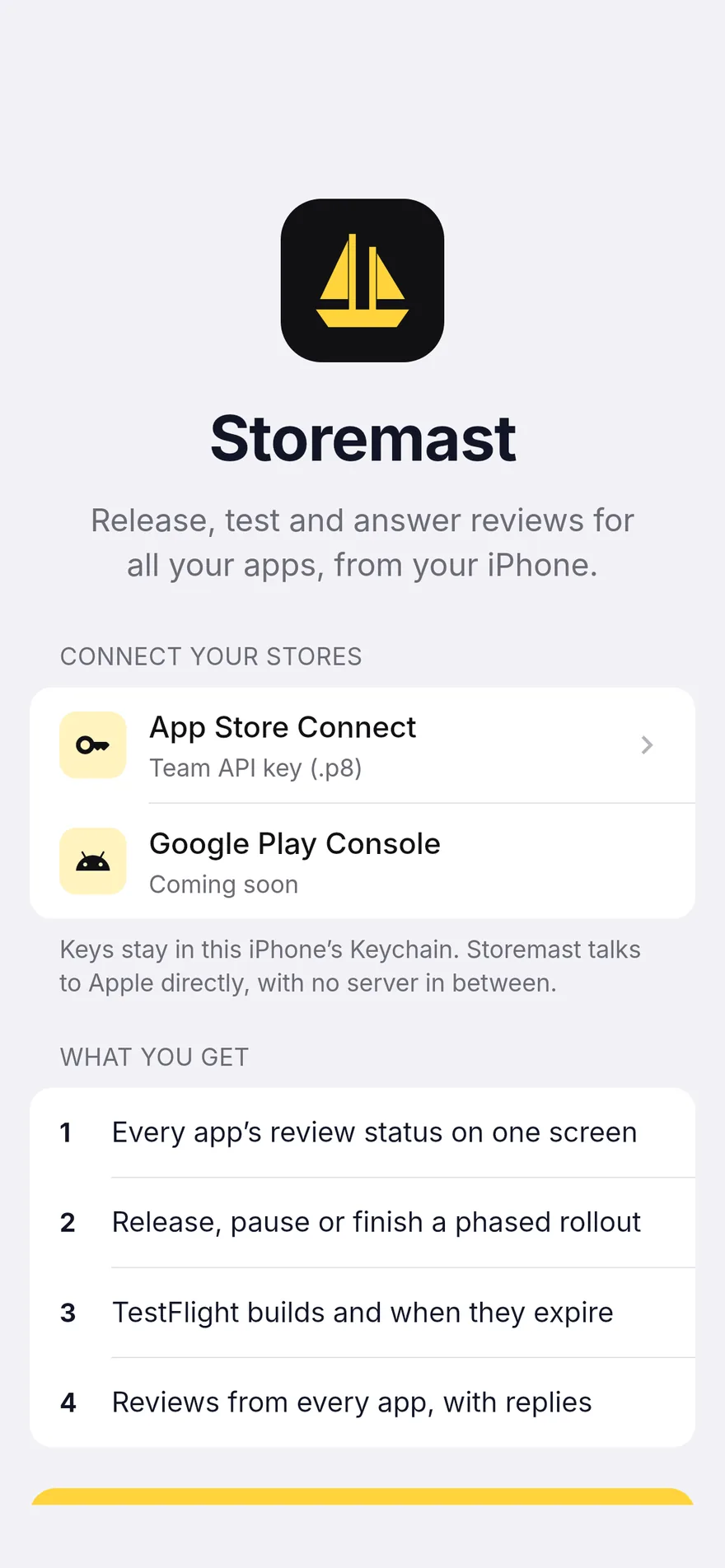
An iPhone app that puts App Store Connect on your phone for developers who ship several apps: every app's review status on one screen (Fleet), releasing approved versions, phased release controls, What's New editing, TestFlight builds with expiry warnings and customer reviews with replies.
Is Storemast on the App Store?
Not yet. It's in TestFlight beta, by invitation: see how to join the beta. It's coming soon to the App Store.
How much does Storemast cost?
No pricing has been announced. The TestFlight beta is free to join.
Which devices does it run on?
iPhone. There's no iPad, Mac or Android version at the moment.
How do I connect my App Store Connect account?
With an App Store Connect team API key: the issuer ID, the key ID and the .p8 private key file. Our guide shows how to create one in Users and Access › Integrations.
Where is my API key stored?
Only on your iPhone, in the iOS Keychain. Storemast signs short-lived ES256 tokens on the device and talks to api.appstoreconnect.apple.com directly. There's no Storemast server or account. More on the security page.
Which role should my API key have?
App Manager to release versions, steer phased releases, edit What's New and reply to reviews. Customer Support for reviews only. Developer if you only want to look.
Can Storemast release my app by accident?
Every change shows what will happen and asks for Face ID or your passcode first. You can also turn on Look only for a key, which hides every button that changes something.
Can I see why my app was rejected?
Not in Storemast. Apple's API doesn't include App Review's messages, so Storemast shows the rejection and links to App Store Connect, where you can read and reply. See version statuses explained.
Can I turn on phased release in Storemast?
Not yet. Choose phased release in App Store Connect before the version is released. After release, Storemast can pause, resume or complete the rollout. See phased release explained.
Can Storemast upload builds or submit a version for review?
No. Builds are uploaded from Xcode, Transporter or CI, and submissions are made in App Store Connect (see how to publish an app on the App Store). Storemast takes over once a version is in review: it shows the status, and releases the version once it's approved.
Can Storemast manage TestFlight testers?
Not at the moment. Storemast lists every TestFlight build across your apps with its state and days until expiry. Testers, groups and public links are managed in App Store Connect; our TestFlight guide covers how.
Does Storemast replace Apple's App Store Connect app?
No, it complements it. Apple's app covers a wide range of App Store Connect, one app at a time. Storemast is built around several apps at once, with what needs you on one screen. It doesn't show sales, payments or App Review messages. More in our App Store Connect guide.
Does it work with Google Play?
Not yet. Google Play support is planned and coming soon.
Does Storemast send notifications?
Not at the moment. Open the app to see what needs you; expiring TestFlight builds and approved versions are listed at the top.
Can I try it without an API key?
Yes. Choose Explore with sample data on the welcome screen to look around six made-up apps with releases, rollouts, builds and reviews.
Can I connect more than one team?
Storemast stores connections on the phone and lets you switch between them; each App Store Connect team needs its own team key.
What data does Storemast collect?
None, apart from optional crash reports sent to Sentry (EU region) that are scrubbed on the device first. You can turn them off in Settings. See the privacy policy.
Is Storemast made by Apple?
No. Storemast is an independent app, not affiliated with or endorsed by Apple Inc.